

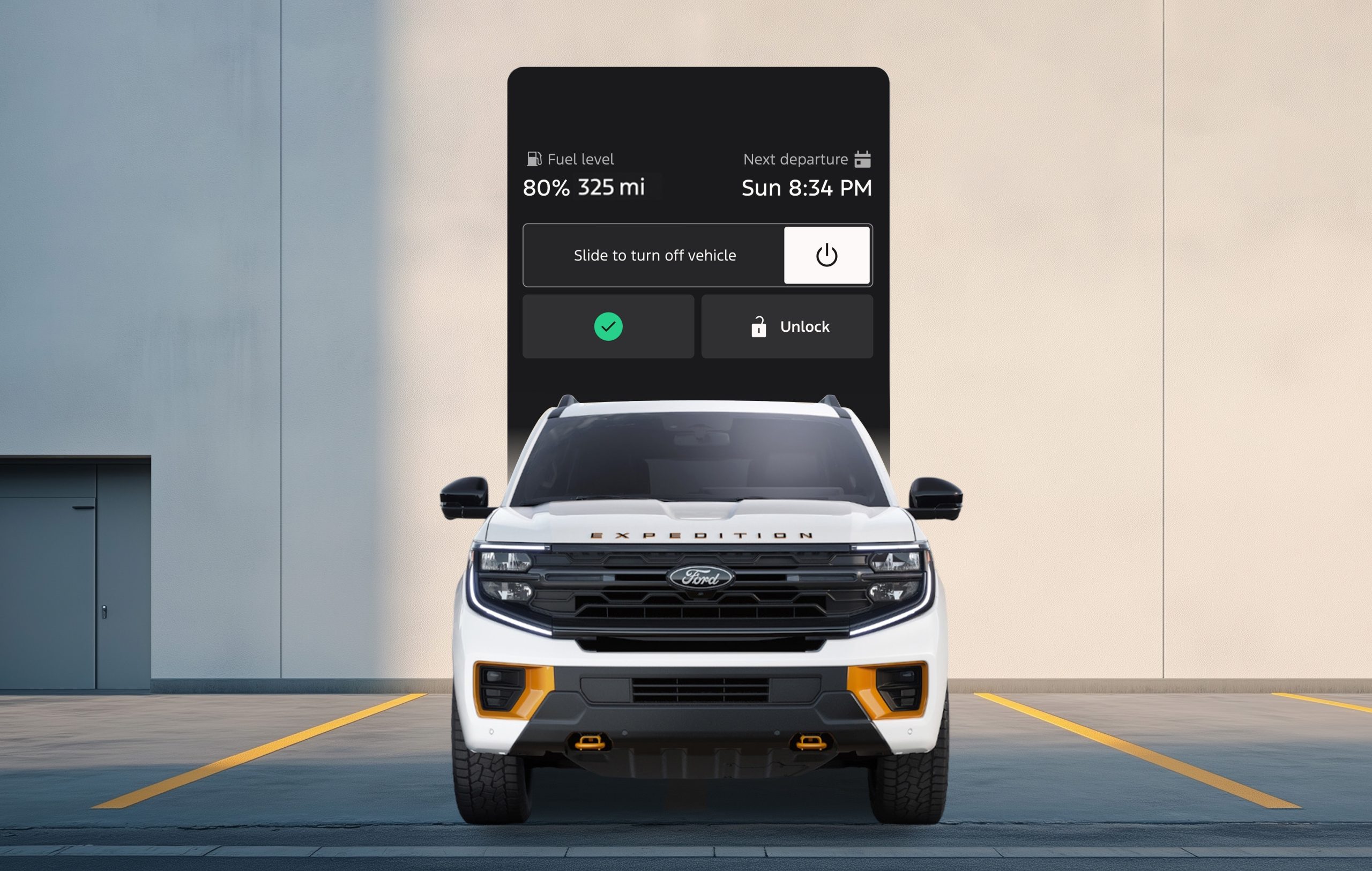
The new Ford App—formerly known as FordPass®—has officially arrived, and it’s changing the way Albuquerque drivers connect with their vehicles.
This redesigned app is faster, cleaner, and built around what Ford owners use most: remote start, charge level, and vehicle health. Whether you drive an F-150, Escape, or Mustang Mach-E, the new Ford App gives you instant access to the tools that keep you moving.
What’s New in the Ford App
🚗 A Modern, Intuitive Design
The new interface makes it easier than ever to find what you need, no digging through menus or extra taps.
🌡️ Smarter Remote Climate Control
Start your Ford and set your perfect cabin temperature before you even leave the house. You can also heat or ventilate seats and warm the steering wheel on supported models.
🔋 Upgraded EV Energy Tab
For electric and plug-in hybrid drivers, the new Energy tab lets you monitor your battery, adjust your charge target, and check range at a glance—perfect for trips around New Mexico or cross-country adventures.
📱 Faster, More Reliable Performance
Thanks to a full back-end rebuild, the app now loads quicker and delivers updates in real time, helping you stay connected to your Ford anywhere you go.
.jpg)
Bonus Features You’ll Love
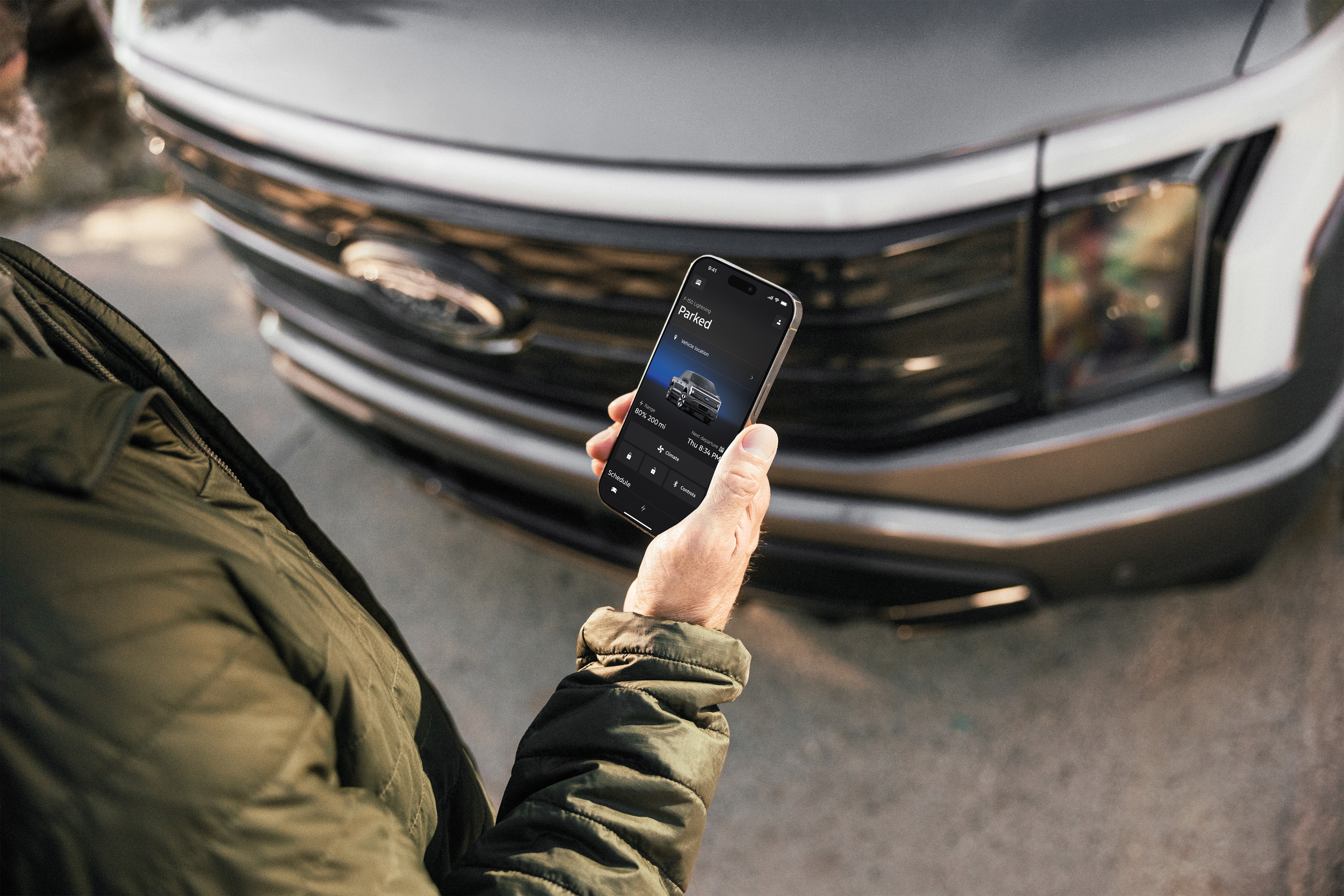
- Lock Screen Controls – Start, lock, or unlock your vehicle without even opening the app.
- Smartwatch Integration – Manage your Ford from your Apple Watch.
- Family Access – Share vehicle access securely with trusted friends or family.
- Dark Mode – A sleek new look for night driving.

.jpg)
Alerts vary by model.
Built Around You
At Power Ford, we know how much drivers rely on their tech. The new Ford App isn’t just an upgrade—it’s a smarter, more connected ownership experience designed around your feedback.
📲 Download or update the Ford App today to experience the latest features for yourself.

Frequently Asked Questions
Q. What is the Ford app used for?
A. The app allows customers and their authorized friends and family to schedule service appointments; locate the vehicle with GPS for when you can’t remember where you parked; use remote features such as remote start to warm up or cool down the cabin, lock/unlock; keep track of fuel/charge levels, tire pressure, oil life and washer fluid; and use your Phone as A Key with equipped vehicles.
Q. Is the Ford app free?
A. Yes. There is no cost to use the features within the app. You are also able to activate paid Connected Services trials and plans on equipped vehicles, such as BlueCruise hands-free highway driving, the Ford Connectivity Package, and the Ford Security Package, right from the app.
Q. Did you remove any app features with this update?
A. No. The latest update will not remove any current features within the app and is focused on improving the experience.
Q. Do you need to download a new app or log in again to receive the update?
A. For those that have already downloaded the app, just update when prompted. The latest version will be delivered through a standard app update from their device’s app store.
Q. Did the rewards program change?
A. Yes, the name is changing from FordPass Rewards to Ford Rewards. Customers can continue to earn points and redeem them for service, parts, accessories and services such as BlueCruise.
Connect with us

Recent Blog Entries
- Your Guide to Genuine Ford Parts and Trusted Service in Albuquerque
- How to Choose a Ford Truck or SUV for Towing, Off-Road, and Performance in New Mexico
- Ford Financing Options for Bad Credit and Negative Equity Trade-Ins
- Finding a Trusted Ford Blue Advantage Dealer in Albuquerque
- What to Look for in a Ford Dealership Across Albuquerque and Santa Fe