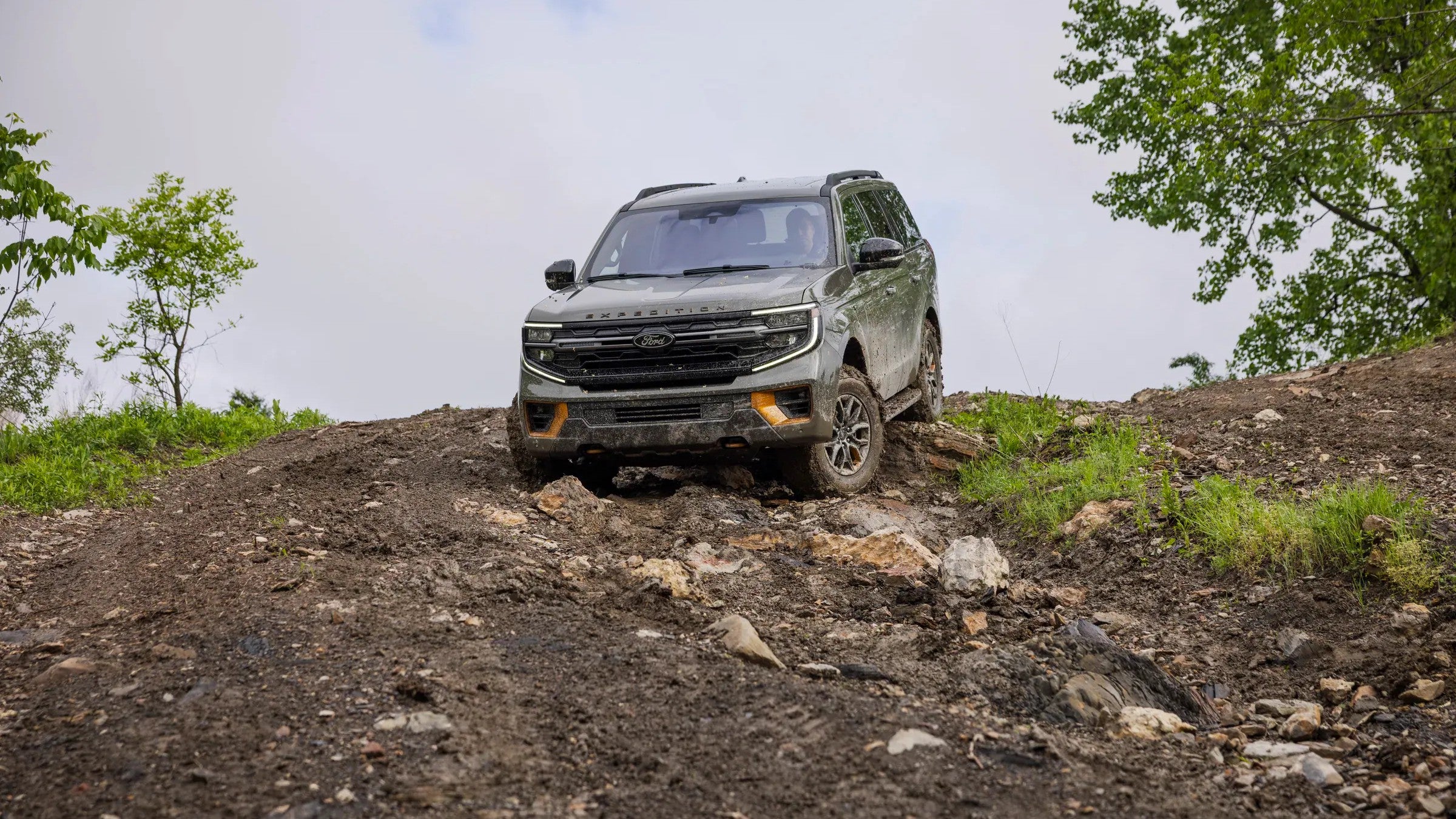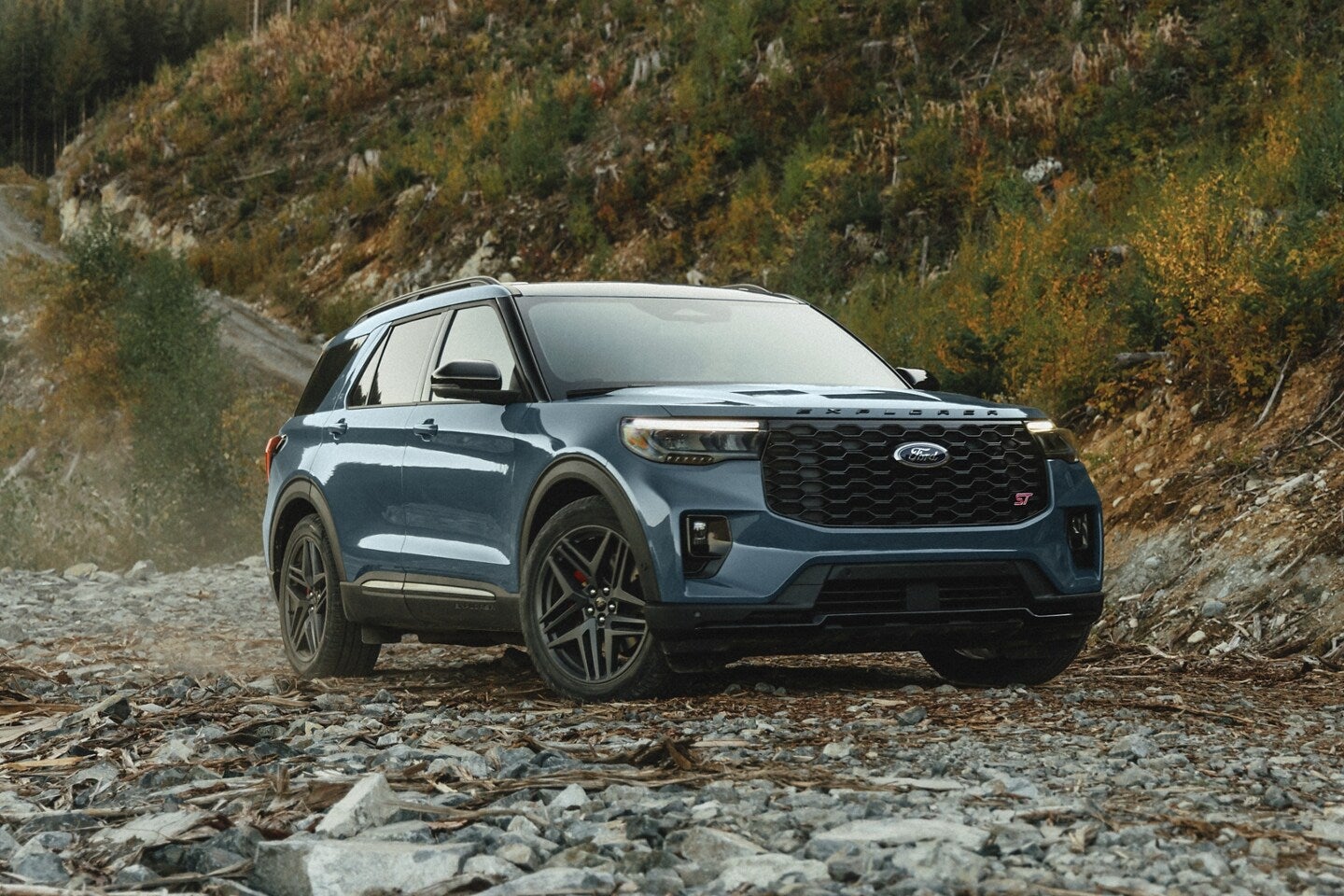
The 2026 Ford Explorer offers selectable drive modes that adjust multiple vehicle systems for different roads, loads and driving priorities. The practical answer is simple: use Normal for everyday driving, Eco when you want gentler responses, Sport when you want sharper performance, Tow/Haul when pulling a trailer or carrying a heavy load, Slippery for snow or ice, and Trail or Off-Road only when the road surface and your Explorer’s equipment call for it.
Drive modes support the driver, but they cannot create traction that the tires and road surface do not provide. Safe speeds, suitable tires, and good judgment still matter, especially during New Mexico winter travel or on unpaved roads.
What Changes When You Select a Drive Mode?
According to the 2026 Explorer Owner’s Manual, selecting a drive mode changes predetermined settings across various electrical and mechanical systems. The exact changes depend on the selected mode and the vehicle’s equipment.
The Explorer returns to Normal each time you restart the vehicle. To choose another mode, rotate the drive-mode controller on the center console once to open the selection menu, then rotate it again to select and engage the mode.
Most modes can be selected while driving if you remain attentive. However, Ford cautions against selecting a mode intended for off-road use while driving on a paved public road. The requested mode may also take several seconds to activate after its conditions are met.

Normal Mode: The Everyday Setting
Normal balances the Explorer’s systems for ordinary drivability. It is the appropriate setting for most Albuquerque commuting, school runs and highway travel.
Because the Explorer returns to Normal after every restart, you do not need to select it each time. When the road conditions and your driving needs are ordinary, leaving the vehicle in Normal is the straightforward choice.
Eco Mode: Smoother Responses for Efficient Driving
Eco reduces accelerator-pedal responsiveness to soften driver inputs. Depending on the Explorer’s equipment, it may also change how adaptive cruise control returns to its set speed, allow automatic start-stop to operate more frequently and reduce climate-control output when the system is in Auto.
Eco does not guarantee a specific fuel-economy improvement. Driving speed, acceleration, weather, traffic, tire pressure and cargo still affect fuel consumption. Think of Eco as a tool that encourages smoother operation rather than a shortcut around driving conditions.

Sport Mode: Quicker Response and a More Engaging Feel
Sport increases accelerator response and holds lower transmission gears longer to support stronger acceleration. Ford also adjusts chassis controls, while certain configurations may change steering effort, suspension behavior or exhaust sound.
Sport makes sense when you want a more responsive on-road driving experience. It can be useful when joining faster traffic or enjoying a winding paved road, but it does not change speed limits or the amount of available grip.
Tow/Haul Mode: Use It for Trailers and Heavy Loads
Tow/Haul changes transmission behavior to reduce frequent shifting by moving upshifts to higher engine speeds. It also provides downshift engine braking to help maintain vehicle speed on a descent. Depending on equipment, it may adjust steering response and inhibit automatic start-stop.
This is the appropriate mode when towing a trailer or hauling a heavy load. It can be especially helpful where New Mexico highways climb and descend, but it does not replace correct loading, proper trailer equipment or the limits listed on the vehicle’s certification label and in Ford’s towing guide.
Ford states that 2026 Explorer models include a Class III Trailer Tow Package and can tow up to 5,000 pounds when properly equipped. Actual capacity depends on the complete vehicle, passenger, cargo and trailer configuration. Confirm the individual Explorer’s labels and instructions before towing.

Slippery Mode: For Snow, Ice and Loose Material
Slippery lowers accelerator response, changes transmission shift points and optimizes traction and stability controls to help reduce wheelspin. On equipped vehicles, it also adjusts the four-wheel-drive system for slippery surfaces.
Ford identifies snow-covered or icy roads and firm surfaces covered with loose material as appropriate situations. The Owner’s Manual also says not to use Slippery mode on dry pavement.
For trips toward higher elevations, select the mode only when conditions justify it. Slippery mode does not shorten braking distance or eliminate the need for suitable tires, greater following distance and lower speeds.
Trail or Off-Road Mode: Configuration Matters
The available mode can differ by drivetrain and model. Ford’s current Explorer information identifies Trail for rear-wheel-drive configurations and Off-Road for four-wheel-drive configurations, while the Owner’s Manual marks Trail as an if-equipped feature.
Trail lowers accelerator response, delays upshifts and changes traction and stability-control operation for low-speed travel on surfaces such as two-track trails, loose gravel and mixed uneven terrain. Depending on equipment, it may also optimize the four-wheel-drive system and disable automatic start-stop.
Do not treat an off-road mode as permission to use a road or trail. Confirm access rules, evaluate the surface and weather, and stay within the vehicle’s clearance and tire capabilities.
Before relying on a specific mode, verify the Explorer’s window sticker and Owner’s Manual because drivetrain and equipment determine availability.
Which 2026 Explorer Drive Mode Should You Choose?
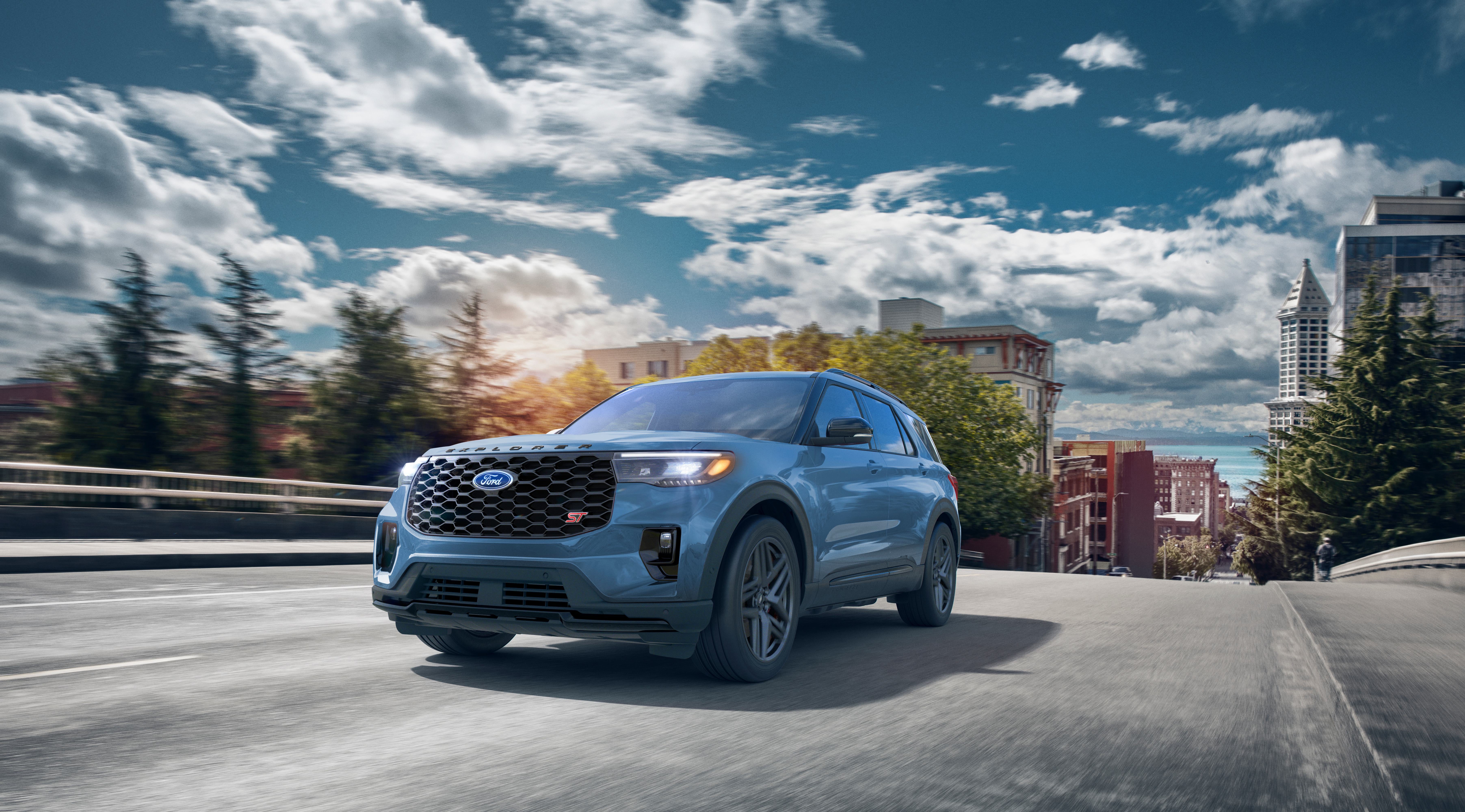
Use the mode that matches the current job, not the one with the most aggressive name. Normal covers daily driving. Eco softens responses, Sport sharpens them, Tow/Haul supports trailer and heavy-load operation, Slippery addresses slick conditions, and Trail or Off-Road is reserved for an appropriate unpaved environment and properly equipped vehicle.
If your Explorer does not offer the mode you expected, or a mode will not activate, start with the Owner’s Manual and the vehicle’s equipment list. A system fault can also cause the Explorer to return to Normal.
Ford owners can schedule service if a drive-mode warning or repeated malfunction needs diagnosis. Shoppers can compare Explorer drivetrains and trims to confirm which drive modes and related hardware fit how they plan to drive.